Describe a part.
Get the model.
chatCAD turns plain English into 3D models, engineering drawings, and ready-to-manufacture STEP files — no CAD software needed.
Free tier: 50 models/month · No credit card required
Everything you need to ship hardware faster
From a single part to a full assembly — chatCAD covers the entire mechanical design workflow without leaving your browser.
3D Part Modeling
Describe any mechanical part in plain English. chatCAD generates parametric FreeCAD geometry — fillets, chamfers, holes, threads and all.
Assembly Support
Build multi-part assemblies with constraints. Ask to 'mate the flange to the shaft' and the agent handles the positioning automatically.
Engineering Drawings
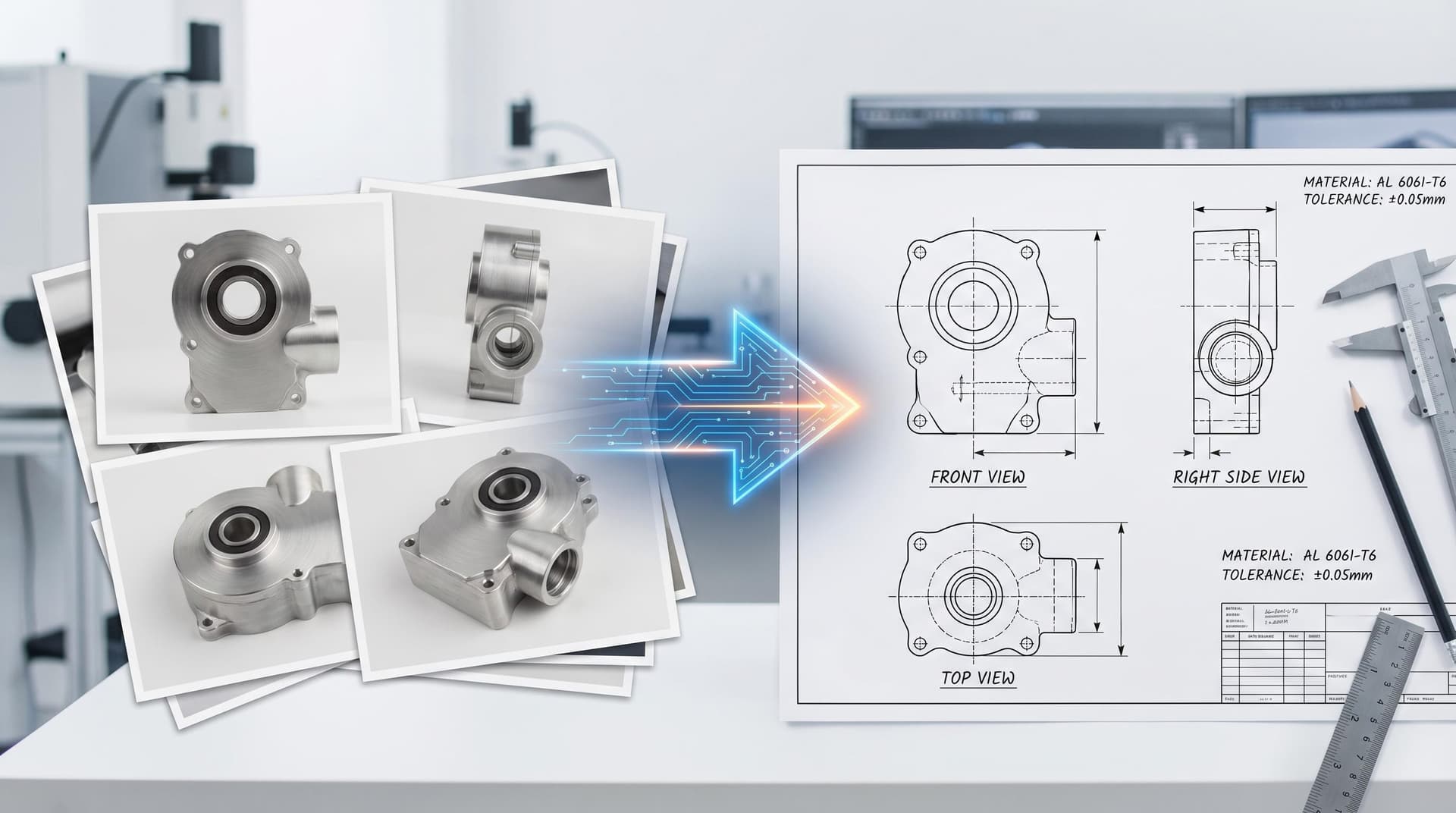
Auto-generated TechDraw sheets with dimensions, BOM tables, tolerances and title blocks. Export as PDF or DXF.
Skill Library
24+ domain-specific CAD skills (gears, flanges, hex fasteners, springs…) ensure high accuracy on common parts — no LLM hallucination.
< 2s Turnaround
Hot FreeCAD engine pool means zero cold-start. Template-matched parts return in under a second; novel geometries typically under 3 seconds.
Export Everything
Download STEP, GLB, STL, DXF, and PDF. All files are stored in your account for 7+ days and sharable via public link.
How it works
Three steps from idea to manufacturable file.
Describe your part
Type a natural-language description — "M8 hex nut, stainless steel, DIN 934" — or upload a sketch/drawing for reference.
AI builds the model
LangGraph routes your request through the Skill Library or generates a custom FreeCAD script. A hot FreeCAD worker executes it in real time.
Review, iterate, export
Inspect the 3D model in the browser, ask for changes in chat, then download STEP, GLB, PDF, or DXF — all from the same page.
From the blog
Engineering insights and product updates.
A Visual Tour of chatCAD Features
From AI chat and parametric modeling to toolbox utilities and engineering delivery — a picture-led walkthrough of what chatCAD can do today.
Introducing chatCAD: From Text to STEP in Seconds
We built chatCAD to make mechanical CAD accessible to everyone — no software to install, no scripting to learn. Just describe what you need.
Inside the Skill Library: How chatCAD Achieves 90%+ Accuracy
A deep dive into the domain-specific knowledge files that power chatCAD's high accuracy on standard mechanical parts — and why LLMs alone aren't enough.
Ready to build your first part?
Free tier includes 50 models per month. No credit card required.